

Notifications
REV23 notifies you about bookings assigned to you, ideas sent or passed to you, forms signed for your work, tips, and processed payouts. Online booking deposit payments also notify the artist. Your own actions do not notify you. In a multi-studio Cloud, notifications identify the studio where the event happened.
Opening a notification marks it read and opens the related record. The list holds your 25 most recent notifications. Read state stays in sync across your signed-in devices. Mark all read keeps the notifications and clears their unread state.
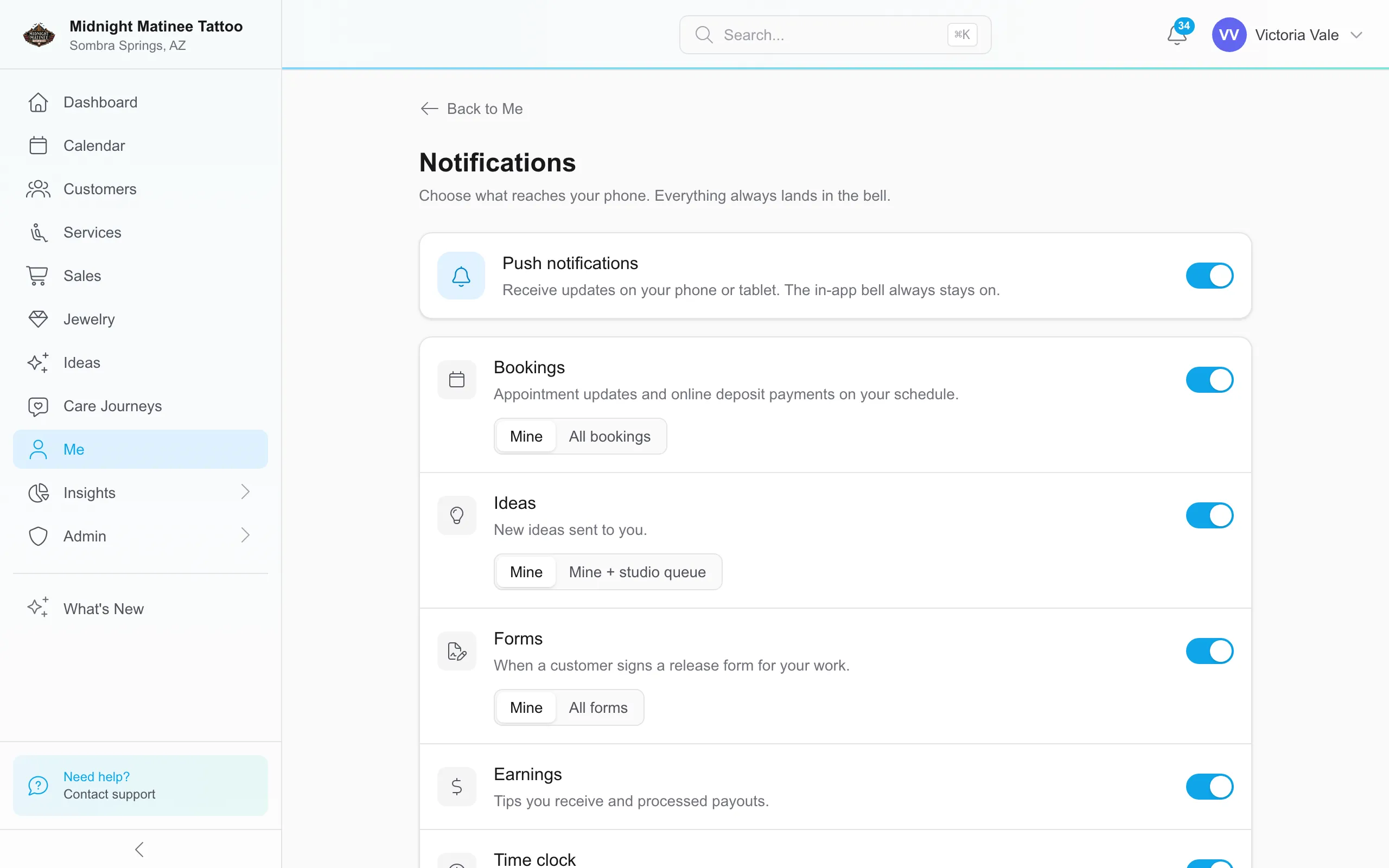
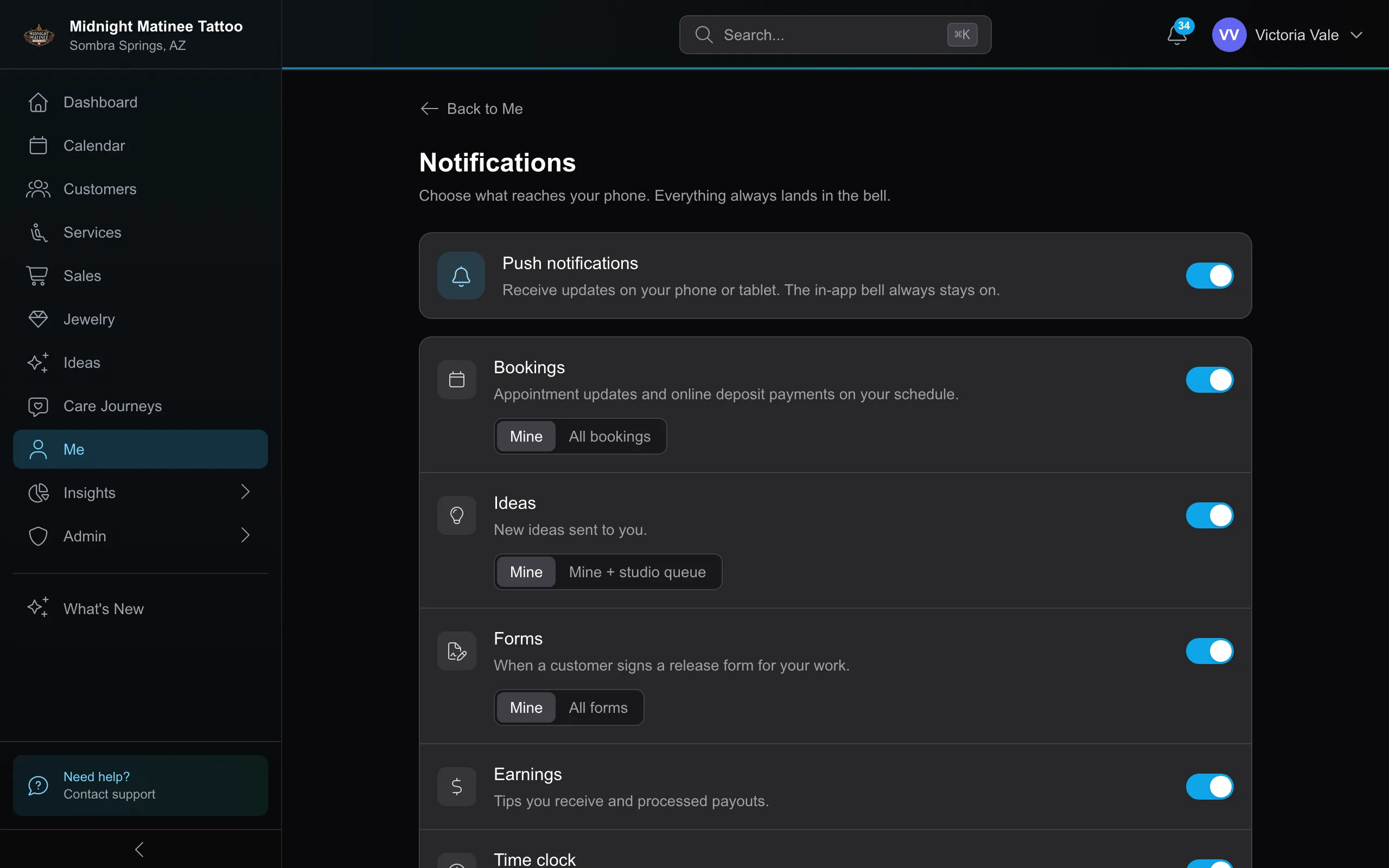
Choose which work notifies you
Section titled “Choose which work notifies you”Open Me → Notifications. Mine follows work assigned to you. With access to everyone’s records, you can also choose:
| Category | Choice | Additional alerts in your bell |
|---|---|---|
| Bookings | All bookings | Other artists’ cancellations, reschedules, requests awaiting approval, no-shows, and online deposit payments. |
| Ideas | Mine + studio queue | New ideas submitted without an artist. Passing an existing idea back to the queue does not send this alert. |
| Forms | All forms | Every signed form, including forms signed before an artist is assigned. |
These additional alerts stay in the bell; they do not send push notifications. Alerts for your own assigned work retain their usual push behavior.
Eligible users who have no assigned services default to the broader choices. Artists with services default to Mine. Your saved choice takes precedence. If your access changes, broader alerts pause until you regain access or choose Mine; REV23 keeps your saved preference.
Push notifications
Section titled “Push notifications”Push notifications controls alerts on your phone or tablet. The in-app bell remains on.
Choose push separately for Bookings, Ideas, Forms, Earnings, and Time clock. Available categories follow the features turned on for your Cloud. Turning off the main switch stops all push notifications without changing your category preferences.
Declined booking requests, no-shows, and processed payouts remain in-app only. Time clock includes the reminder for a long open shift; see My Time.
Clearing notifications
Section titled “Clearing notifications”Select to remove a notification, or Clear all to remove those currently listed. Clearing a notification does not change the record it refers to.
Permissions
Section titled “Permissions”The broader choices require Bookings → View (everyone), Ideas → View (everyone), or Forms → View (everyone) for their respective categories. See Roles & Permissions.