

Sales
Sales is REV23’s register: checkouts and payments, refunds, card processing, receipts, tipping, discounts, checkout rules, tax rates, gift cards, credits, retail products, and barcode scanning. Turn the Sales feature on for each Cloud under Settings → Cloud → General → Features. The Sales page lists every sale; each sale opens into its cart.
The record is a checkout, and most of the time you’ll just call it a sale. Both mean the same thing here.
What’s on a cart
Section titled “What’s on a cart”A cart holds lines of a few kinds:
- Service — a session from a visit, priced by the service type. One session can sit on exactly one live sale; supplies and jewelry logged on the session ride along with it.
- Jewelry — a piece installed during a session, or sold retail from the catalog.
- Product — retail from your product list: aftercare, merch, anything with a price.
- Gift Card — a new card sold and activated on the spot.
- Deposit — pre-payment holding a booking, which becomes a credit on the customer’s file when the sale completes.
A sale doesn’t need a customer — a walk-in retail sale rings up anonymously as Walk-in Sale. You can assign the customer at any point, including after the sale is completed, without changing any totals.
Sale statuses
Section titled “Sale statuses”| Status | Meaning |
|---|---|
| Unpaid | An open cart. Everything is editable: lines, discounts, credits, payments. |
| Completed | Money settled and the books written — commissions posted, deposit lines turned into credits, the receipt on its way. |
| Partially refunded | Completed, with some money returned. |
| Refunded | Completed, with everything returned. |
| Voided | Abandoned before completion. Payments reversed, gift card balances restored, sessions freed for a new sale. |
Once a sale completes, its lines are locked. The corrections that stay open afterward: assigning the customer, assigning or reassigning a tip, correcting Held by on a deposit payment, sale notes, and refunds. Everything that touches price — lines, quantities, discounts, sellers — is fixed, so settle sellers and tips before completing.
Starting a sale
Section titled “Starting a sale”- New on the Sales page starts a blank cart.
- Take payment on an unpaid service collects for its sessions right there — see the service bar below.
- Add Item on any open cart adds products, sessions, jewelry, deposits, and gift cards — or scan a barcode straight onto the sale.
Taking payment from a service
Section titled “Taking payment from a service”Every service carries a bar: the customer, the unpaid balance, and Take payment. That button collects for the work in one screen — tender and tip, done — for the common case where the work is priced, the customer is standing there, and nobody needs to edit anything. The menu beside it holds the rest: Full checkout opens the cart itself for line items, discounts, and credits, alongside Add session, Change provider, and Cancel service.


Take payment sells exactly what’s on the service. Inside it, Open full cart is the escape hatch for anything more, and if the customer has deposits or credits on file, the panel says so up front and routes you to the full cart to apply them — money on file is never applied without you seeing it.
When a customer already has a cart
Section titled “When a customer already has a cart”A session can only ever be on one live sale, but a customer can have several open carts at once — an artist ringing their piece while the front desk rings retail, or a parent’s cart paying for two kids’ sessions. REV23 never silently merges or splits: when you start a checkout for someone who already has an open cart, it asks whether the work should land on the existing cart (Add to this cart) or start fresh (Start new cart). Carts from earlier days are offered for review, not for adding to.
Two recovery moves when work lands on the wrong cart:
- Merge into this cart — everything from the customer’s other open cart moves onto the one you’re viewing, and the emptied cart closes itself. The merge preview re-prices the combined cart first, so any checkout rule that depends on everything being rung together shows its effect before you commit. The cart being absorbed must not have payments or credits on it yet.
- Move it here — a single session moves between open carts, from the Services tab of Add Item. The session brings the jewelry and supplies logged on it; standalone retail lines stay where they were rung. Same money rule as merge — the cart the session is leaving can’t have a payment or credit on it yet — and sessions only move between carts at the same studio.
Several services, one visit
Section titled “Several services, one visit”A customer getting a tattoo from one artist and a piercing from another settles both on one cart. Open the full cart from the first service ( → Full checkout), and when you do the same from the second, the register recognizes the person already has an open cart and asks:
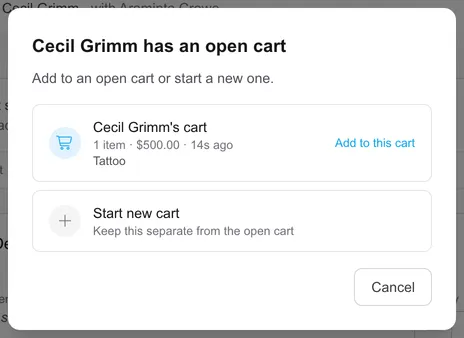
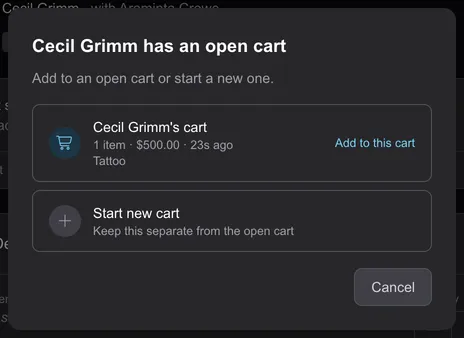
Add to this cart lands the second service on the same sale — each line keeping its own artist, one total, one payment:
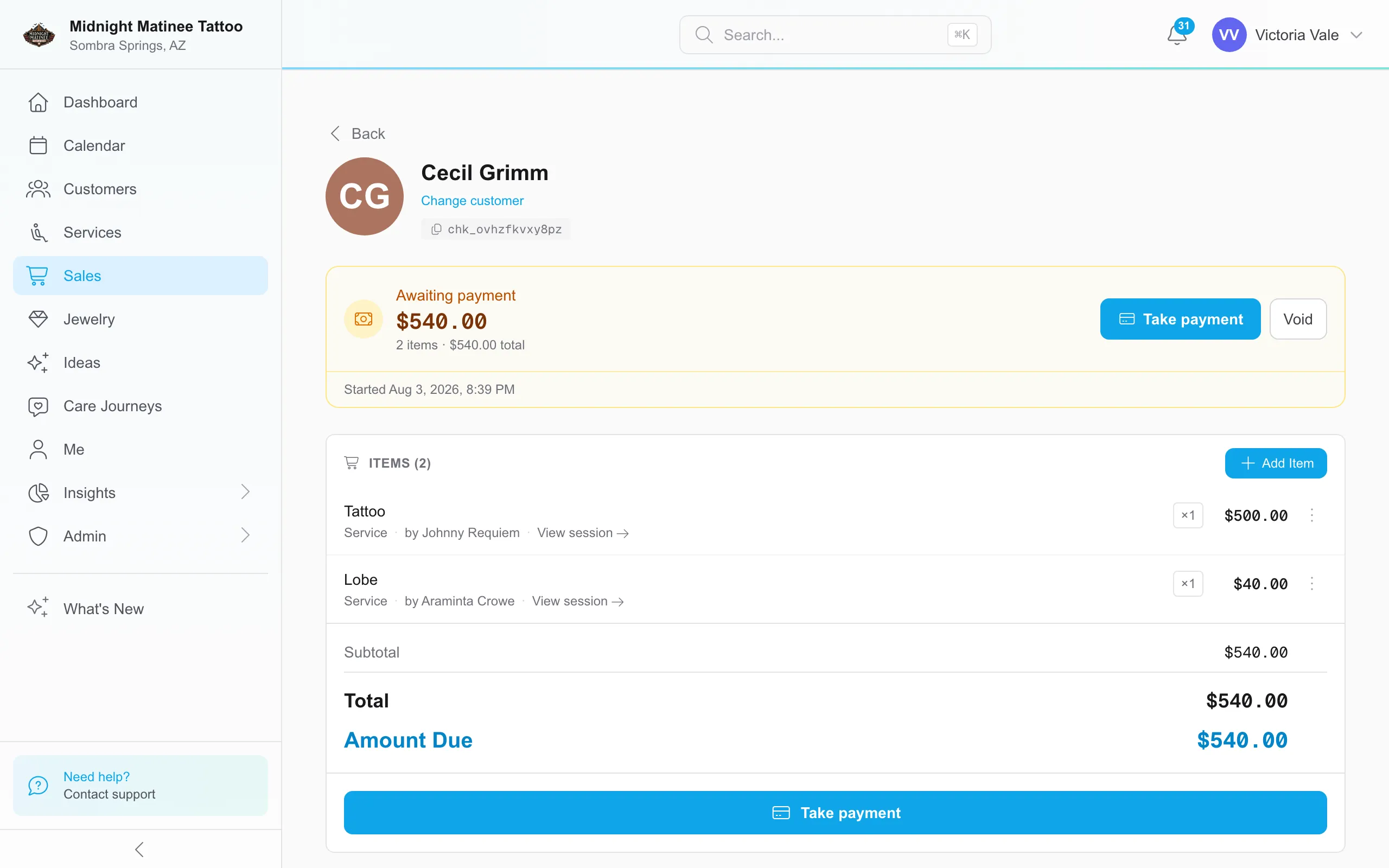
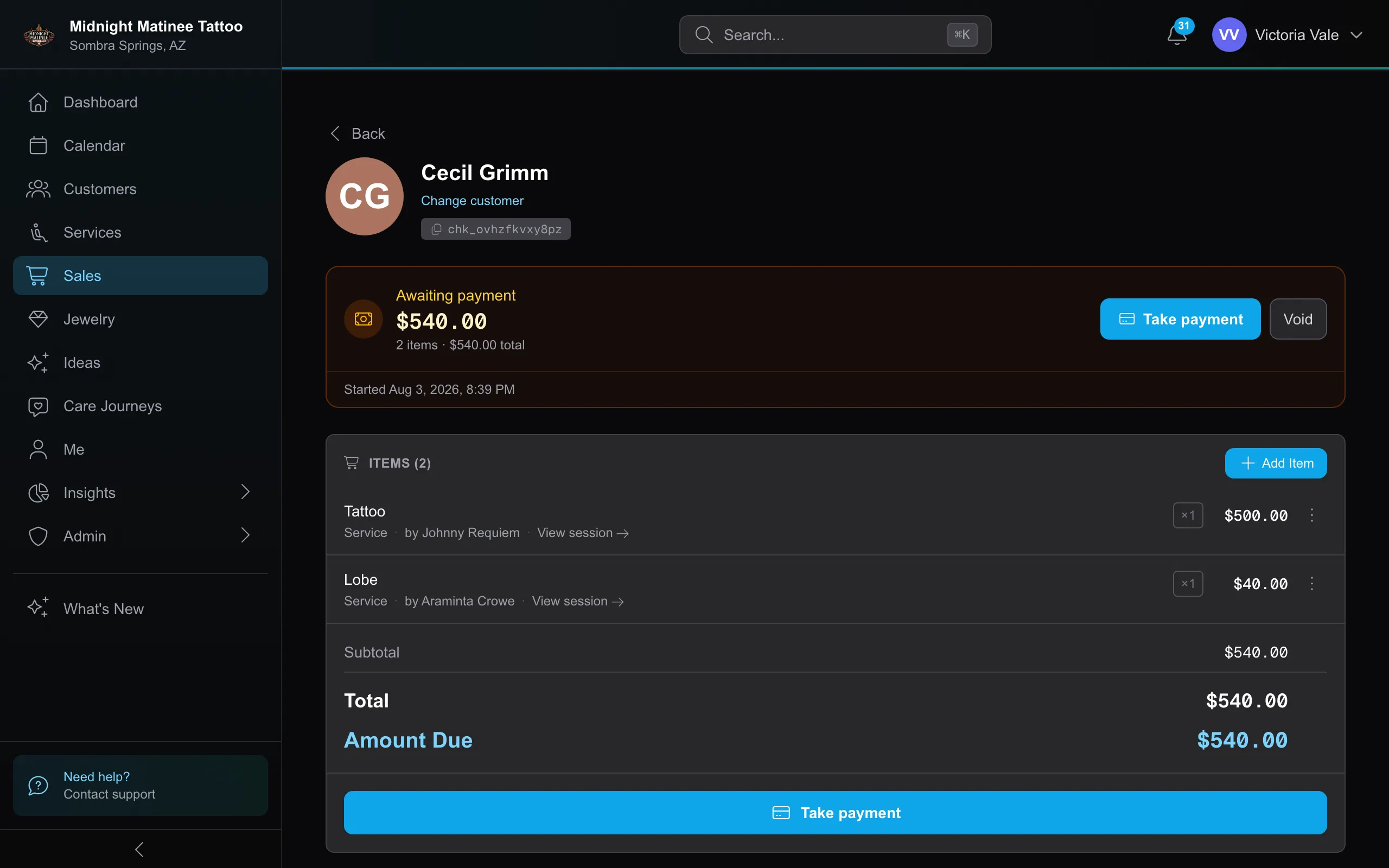
The same works from inside the cart: Add Item → Services lists every session not yet paid for, and tapping one adds it. Whichever direction you build from, commission follows each line’s artist and the tip splits across the people who did the work.
One cart for the whole family
Section titled “One cart for the whole family”A cart isn’t limited to one person’s work — a parent paying for two kids, a couple settling together, a friend covering the group all ring as one sale. The cart belongs to whoever’s paying; the sessions on it keep their own people.
The deliberate way to build one: open the payer’s sale (or start from the first person’s service), then Add Item → Services and search the other person by name. Every session not yet paid for shows there, grouped by customer — today’s up front, anyone findable by search — and tapping one adds it to this cart. A session that already landed on its own cart shows Move it here instead, so consolidating after the fact is the same motion.
Starting from the other person’s service works too, with one wrinkle: the which-cart prompt offers Add to this cart only once that person is already riding on an open cart. Before that, it starts them a fresh cart — which is why the from-the-cart path is the reliable one for families. And since merging only offers carts belonging to the same customer, two different people’s carts consolidate by moving sessions, not by merge.
Everything downstream understands the arrangement: each line’s artist earns on their own work, tips split across the people who did the work, credits from anyone on the cart — the payer’s or a session customer’s — can settle the bill, and the receipt goes to the payer.
Who sold what
Section titled “Who sold what”Jewelry and product lines carry a seller — that’s whose revenue and commission the line counts toward. Service lines take their artist from the session and can’t be reassigned at the register.
Retail lines pick up a sensible default: the artist on the cart when there’s exactly one, or the only seated user in a one-person studio. A cart with two artists’ sessions leaves retail unattributed on purpose, and nothing ever defaults to whoever happens to be logged in at the register. An unattributed line shows a No seller flag while the cart is open, and completing a sale with unattributed retail asks Who sold these? one last time. Settle it there — a skipped seller can’t be assigned from the sale afterward, and the line earns no commission for anyone. (A tip is different: an unassigned tip stays assignable after completion.)
Where sellers matter most is payroll: product and jewelry commission both follow the seller on the line, at each person’s product and jewelry rates.
Webhooks
Section titled “Webhooks”Sales supports the following webhook events:
| Event | Description |
|---|---|
| checkout.completed | A checkout was completed. |
| checkout.voided | A checkout was voided. |
| checkout.refunded | A checkout was refunded. |
| payment.captured | A payment was captured. |
| payment.voided | A payment was voided. |
| payment.refunded | A payment was refunded. |
| credit.created | Store or deposit credit was issued. |
| credit.redeemed | Credit was applied to a sale. |
| gift_card.created | A gift card was issued. |
| gift_card.redeemed | A gift card was redeemed. |