

Product Sales
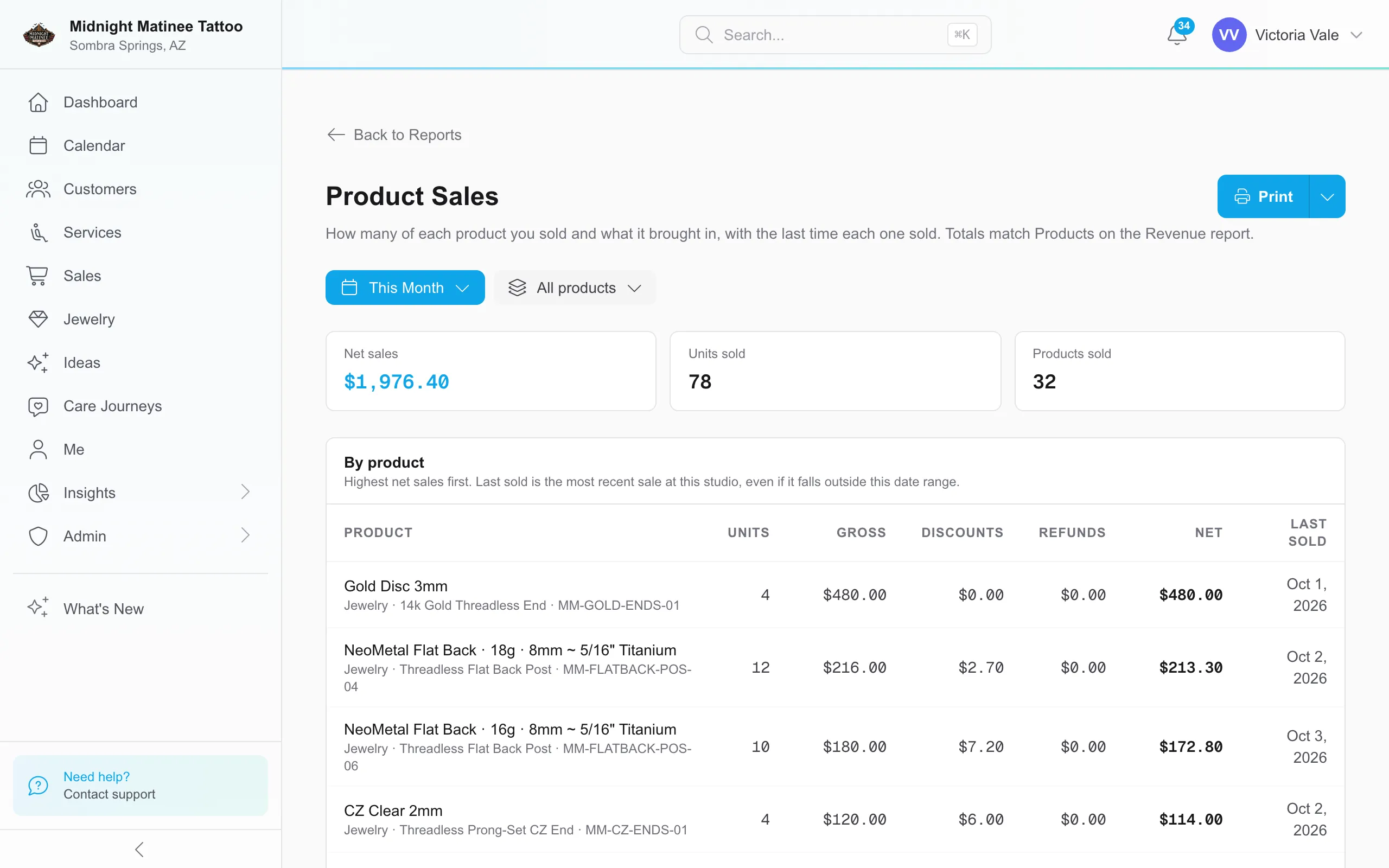
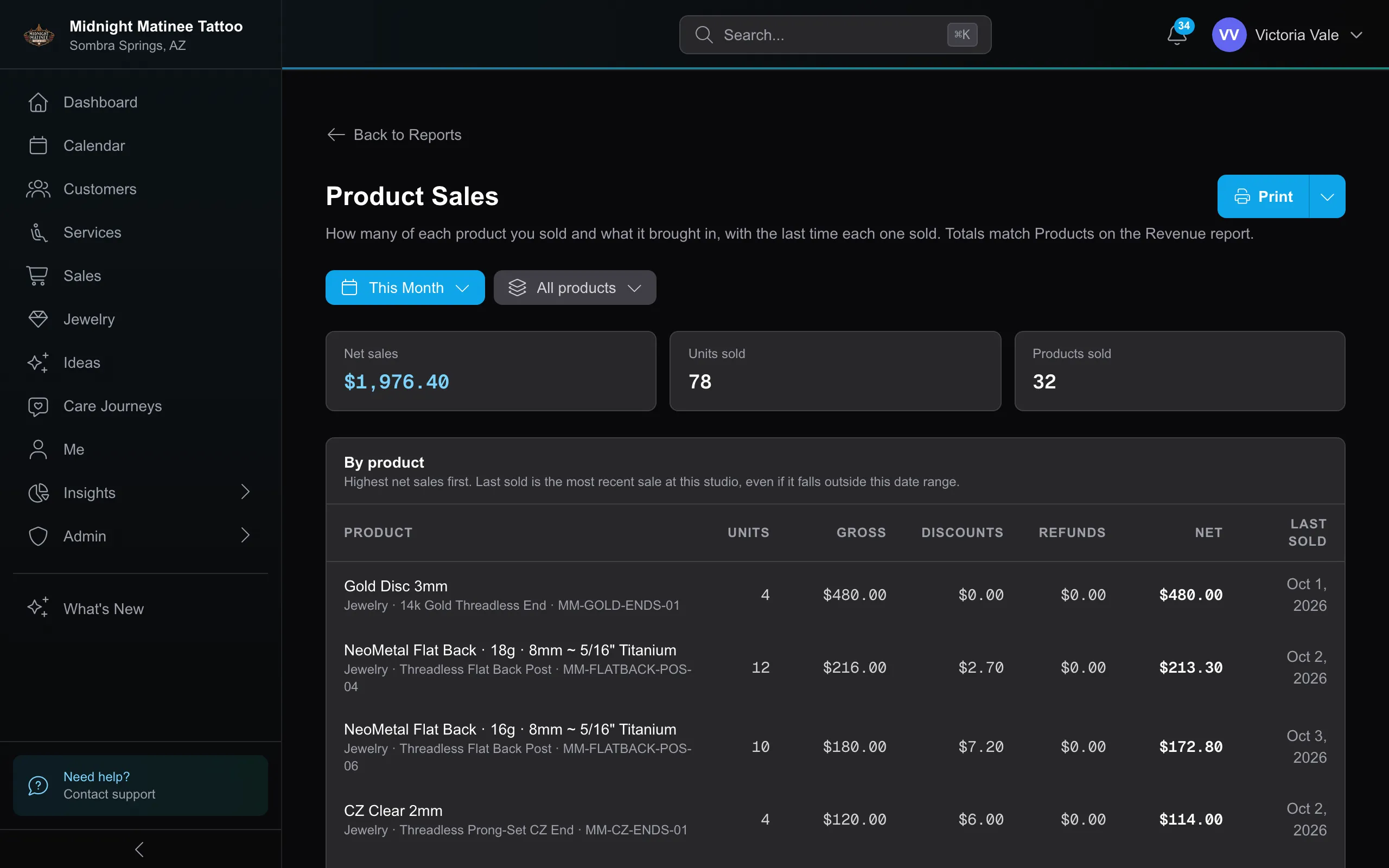
Product Sales breaks down the Revenue report’s Products total by retail product and jewelry piece. Use it to review what sold during a period and when each item last sold at that studio.
The report opens on This Month for the selected studio. Change the date range for another period or switch studios for another location. Where jewelry is offered, choose All products, Retail, or Jewelry. The displayed rows and totals follow that choice.
What the numbers mean
Section titled “What the numbers mean”| Column | What it counts |
|---|---|
| Units | Quantity sold on checkouts completed in the period. Refunds do not subtract units. |
| Gross | The line’s price before discounts, including line surcharges and excluding sales tax. |
| Discounts | Line discounts plus the product’s allocated share of payment-method discounts, such as a cash discount. |
| Refunds | Item refunds processed in the period, even when the sale happened earlier. |
| Net | Gross minus discounts and refunds. |
| Last sold | The most recent completed sale of that item at this studio, across all dates. It can fall outside the selected period. |
For example, selling four $20 aftercare products produces Units of 4 and Gross of $80. A $5 discount and a $20 item refund make Net $55. Units stays 4. A refund of last month’s sale reduces this month’s net sales when processed this month, and can produce a row with zero units and negative net sales.
Rows are ordered by net sales, highest first. Catalog entries include their category or jewelry design and SKU. A one-off line without a catalog entry is grouped by its description. Products sold counts the distinct rows in the current view; a row can have refund activity without a new sale in the period.
Jewelry counts when it has a separate jewelry sale line, including complete pieces, posts, and separate ends. An inclusive jewelry tier bills through the service; its charge belongs in Revenue’s Services total. Product Sales does not turn that service charge into a jewelry sale. Covered $0 jewelry lines still count toward units sold.
With All products selected, the money totals match Revenue’s Products row for the same studio and dates. Tips, sales tax, payment card surcharges, gift card sales, deposits, and customer reimbursements are outside these product totals.
Print and export
Section titled “Print and export”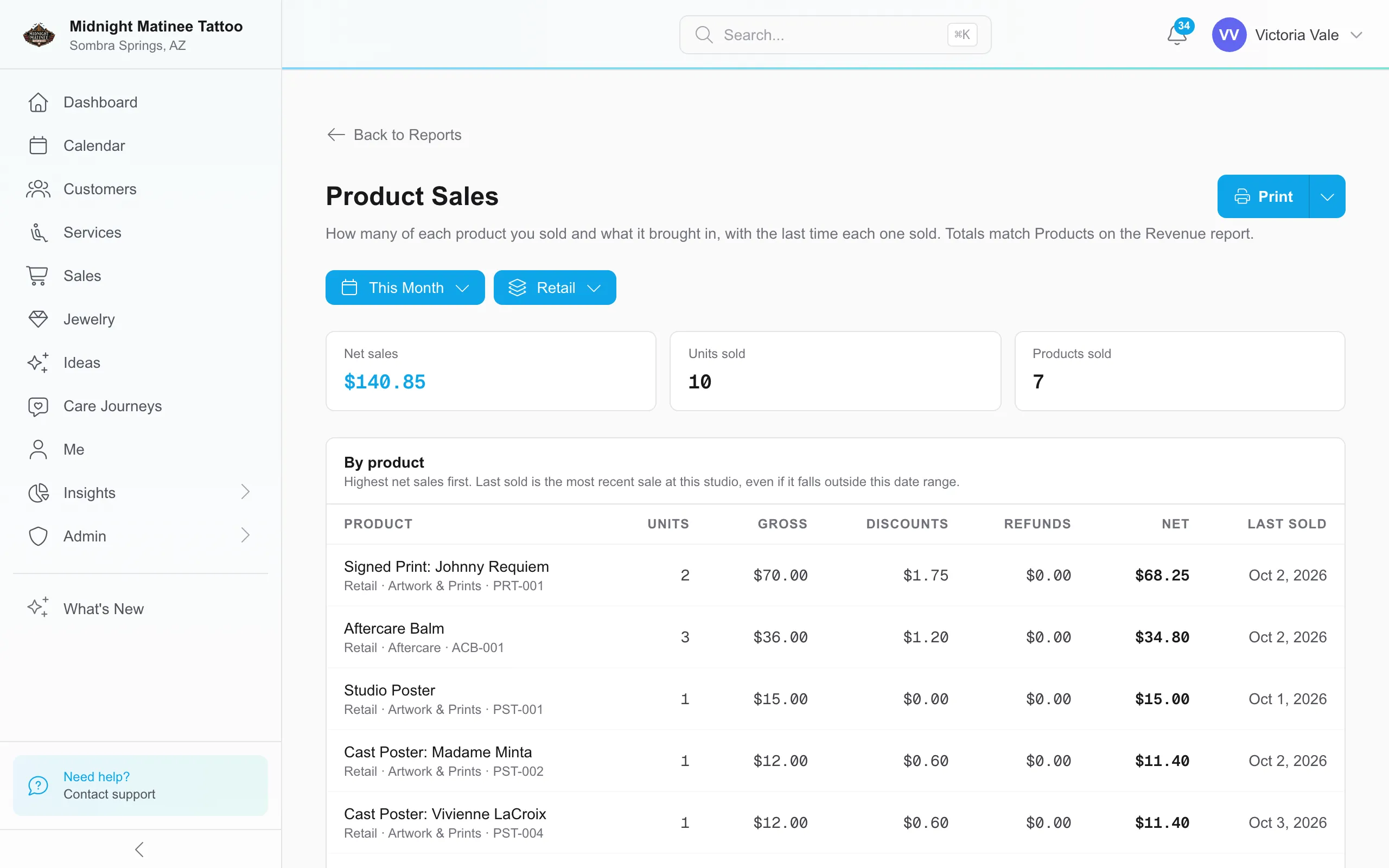
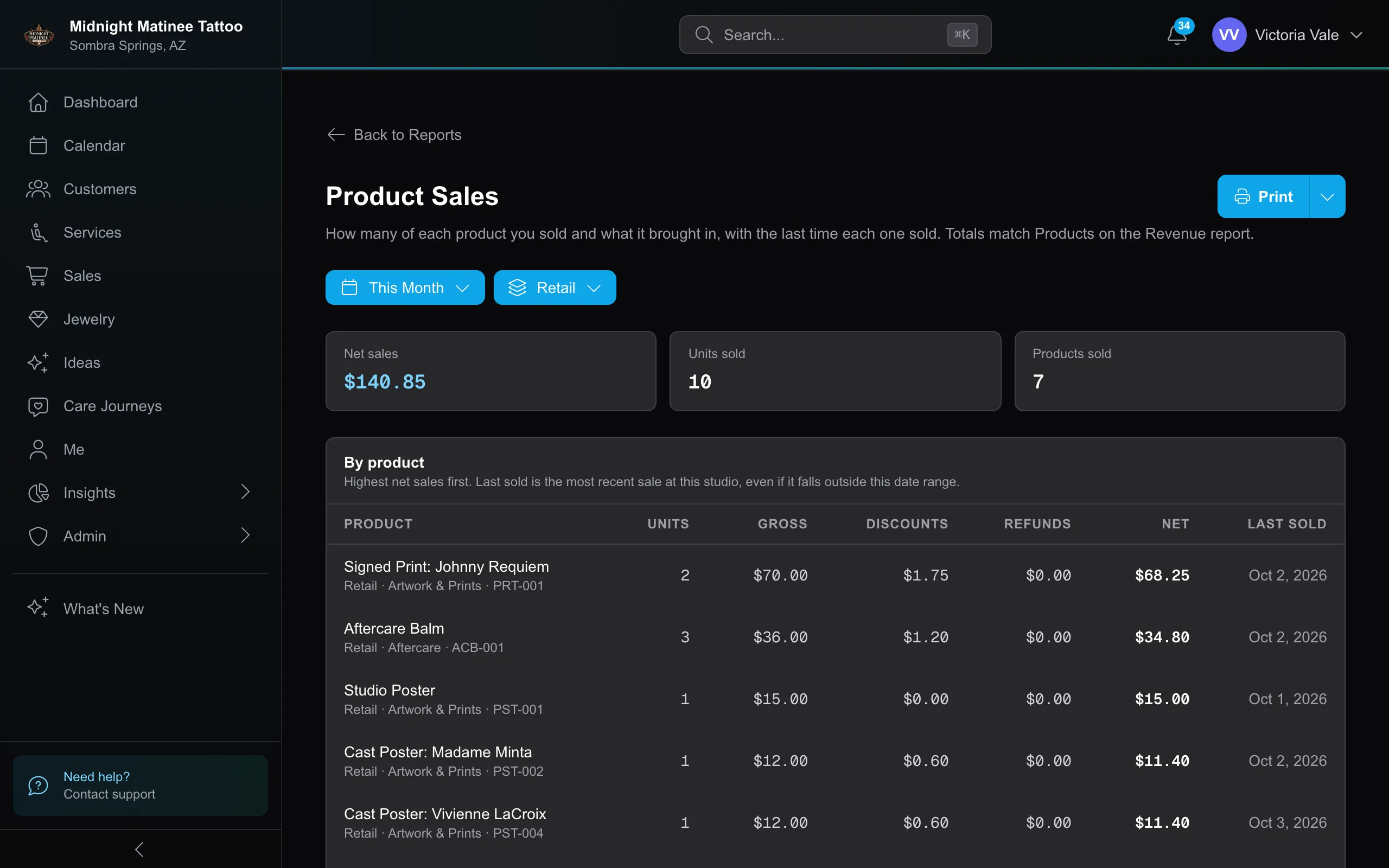
Print includes the rows and totals for the selected product type. Download CSV includes all retail and jewelry rows for the selected studio and dates, even when the report is filtered to Retail or Jewelry. Filter the CSV’s Type column if you need one type only. The file includes category, SKU, units, gross sales, discounts, refunds, net sales, and last sale date in the studio’s time zone.
Permissions
Section titled “Permissions”Product Sales requires Revenue Report → View, the same permission as Revenue; it stays with the owner unless granted individually. See Roles & Permissions.